Hider guide / Shape control
Meccha Chameleon poses and emotes: match the silhouette
Choose a pose that belongs in the scene, test it from Seeker angles, and understand what current patches confirm about emotes and Petit Chameleon.
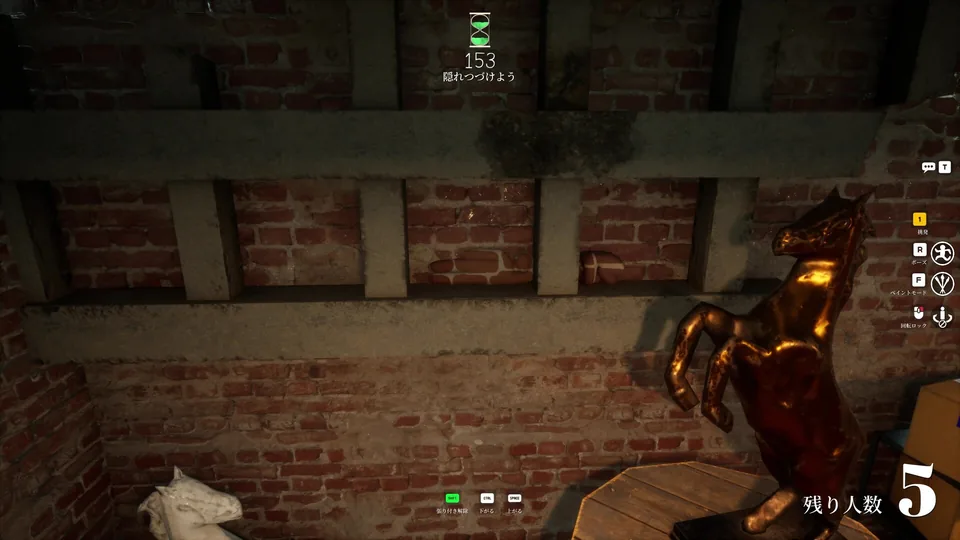
Quick answer
The result you are working toward
Choose poses by environmental shape, not by animation name: match the surface axis and height, test the outline from the main approach plus one alternate angle, lock the final shape, and only then complete the last paint pass.
By the end, you can
- Match pose direction and footprint to a real scene shape.
- Test hands, feet, and head from multiple Seeker angles.
- Repaint surfaces exposed by the final pose.
- Separate confirmed emote availability from unverified gameplay advantages.
Use this guide when
- A good paint job still looks unmistakably human.
- Changing pose ruins paint or exposes new body surfaces.
- You want to evaluate a new emote or Petit Chameleon setting without inventing hitbox claims.
Evidence boundary
What is verified
The Steam listing confirms that pose is central to hiding. Official updates confirm 12 emotes in v3.2.0, five contest emotes on August 9, and host-controlled Petit Chameleon in v4.0.0. Pose selection advice is editorial strategy, not a guaranteed hitbox claim.
Watch before the drills
Compare shape, depth, and approach angle
Use these authorized gameplay references as a visual worksheet: first find the scene line, then check whether the pose preserves it from the Seeker view.
Official video
Official Meccha Chameleon announce trailer
The official trailer is the clearest first-party motion reference for the game's paint, pose, and hiding premise.
Video by lemorion_1224- How different poses alter the body silhouette.
- The relationship between position, paint, and scene edges.
- Why a visually convincing shape still depends on the Seeker's approach.
Choose the place before the pose
A pose is useful only when it explains why your body has that shape in that exact location. Start with the scene, not a favorite animation.
- Identify the height, direction, and footprint of the nearby object or surface.
- Choose a pose whose main axis follows an existing edge, seam, shelf, floor line, or prop silhouette.
- Reject any position where the head or a limb creates a new shape against empty space.
Run a two-angle silhouette test
A disguise that works only from your own camera usually fails as soon as a Seeker enters from another doorway or changes height.
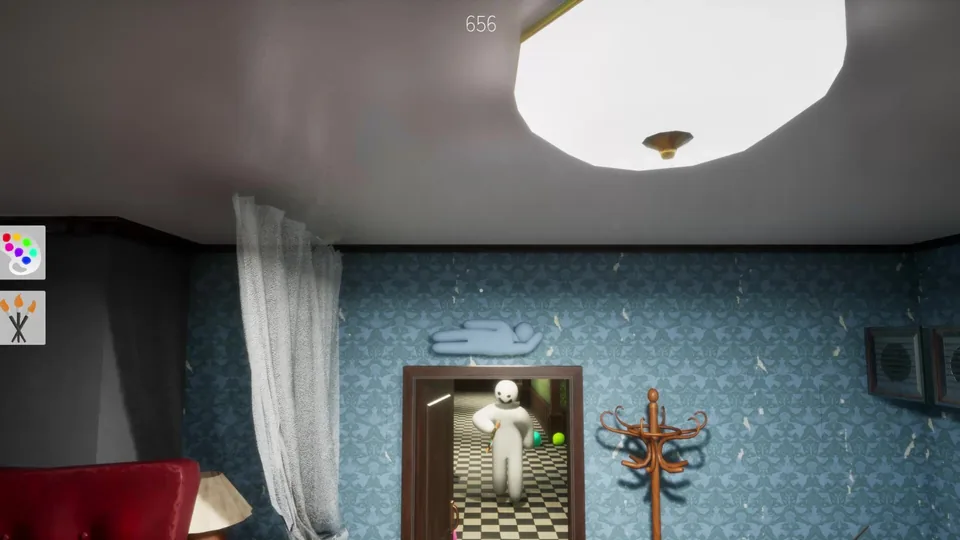
- Inspect the pose from the most likely doorway or corridor approach.
- Move the camera to one high or low alternative and look for separated hands, feet, or head shapes.
- Rotate or relocate before painting if the outline is still readable at a glance.
Paint the final shape, then stop adjusting
Changing pose can expose differently lit surfaces and move body parts across the background. Finish shape decisions before the last paint pass.
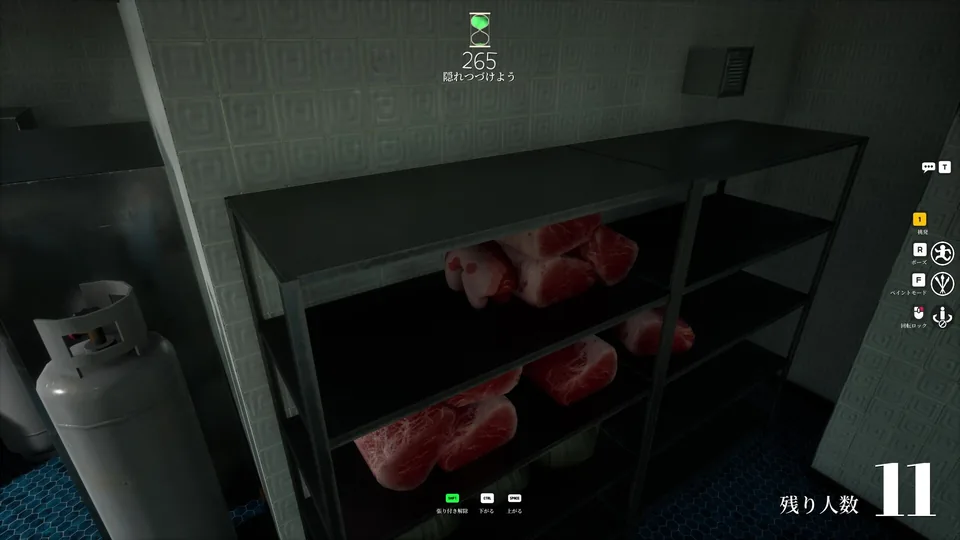
- Lock the intended pose first, then correct the newly visible body surfaces.
- Match brightness before fine hue differences and remove any remaining white islands.
- Stop making cosmetic edits early enough to avoid last-second movement in the Seeker's first sightline.
Treat emotes and Petit Chameleon as lobby variables
Official updates add expressive options, but a smaller or stranger shape does not automatically create a fair or reliable hiding position.
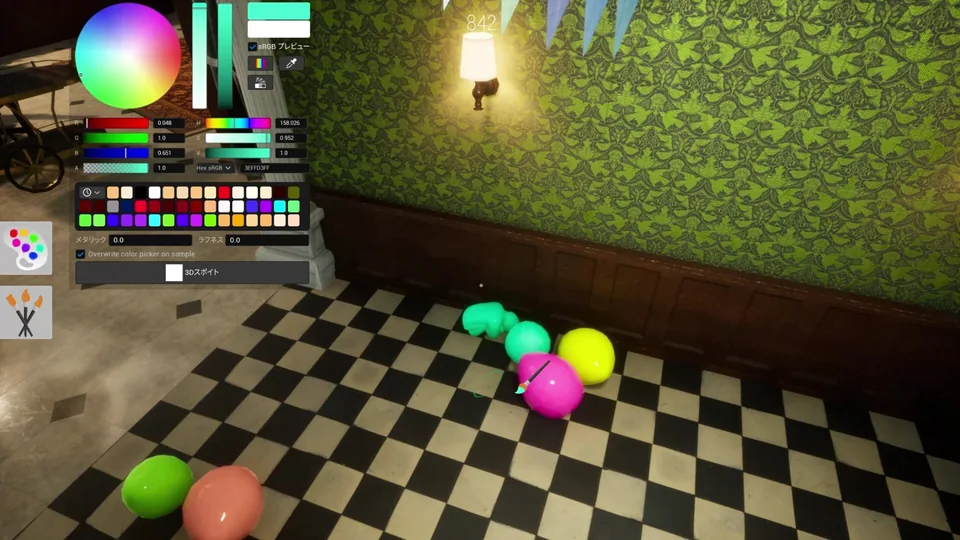
- Confirm the host's settings before planning around Petit Chameleon; v4.0.0 says the 0.5x option only works when the host allows it.
- Test newly added emotes in a low-stakes round before describing them as a repeatable strategy.
- Do not publish fixed hitbox, invulnerability, or collision claims without current-build reproduction.
Situation → read → action
Make the next decision without guessing
Use the live situation to choose one useful response. These are editorial decision rules, not hidden game mechanics.
The environment provides a strong vertical axis but little empty width.
Use a narrow, wall-aligned shape and keep hands and feet inside the seam or sign footprint.
Standing height is suspicious even when the color matches.
Choose a compact low pose and verify the head does not rise above the surrounding cluster.
The ground-level approach hides some depth but exposes the underside silhouette.
Test from below and from the entry distance; remove dangling limbs and bright underside patches.
Availability is confirmed by updates, but a universal gameplay advantage is not.
Confirm host settings, test normal reachability and visibility, and describe only reproducible results.
Deliberate practice · 10–15 minutes
Pose silhouette A/B test
Compare two poses on the same surface without letting different paint or location hide the result.
Set up the drill
- Choose a wall line, a low prop cluster, and one elevated location.
- Keep base paint and observer entry point consistent within each comparison.
- Ask the observer to name the first readable body part rather than simply choosing a winner.
Compare a pose aligned with the main scene line against one crossing it.
Compare a compact pose with a pose extending beyond the prop cluster.
Keep the winning pose and inspect it from doorway, high, and low views.
Review the failure
Diagnose the reason before changing everything
Change one likely cause at a time. That turns a failed round into evidence instead of another guess.
Color matches but body still reads instantly
- Likely cause
- The pose preserves a standing or anatomically familiar silhouette.
- Next adjustment
- Change axis and footprint before repainting; look specifically for separated head and limbs.
Pose works from the front only
- Likely cause
- Depth and limb separation are hidden by one camera angle.
- Next adjustment
- Add one high or low test and choose a shape that remains contained from both approaches.
White patches appear after changing pose
- Likely cause
- Previously hidden body surfaces moved into view.
- Next adjustment
- Lock the final pose before the finishing paint pass and rotate the camera around exposed edges.
A new emote behaves inconsistently
- Likely cause
- Host settings, current patch behavior, or collision context differs from the original example.
- Next adjustment
- Reproduce it in normal play and label uncertain behavior instead of publishing a guaranteed technique.
Quick answers
Poses and emotes FAQ
What is the best pose in Meccha Chameleon?
There is no source-verified universal best pose. Choose the one that matches the height, axis, depth, and approach angle of the position you are using.
How many new emotes were added?
Update 3.2.0 added 12 emotes, and the first official emote contest added five winning emotes on August 9, 2026.
Can everyone use Petit Chameleon?
Update 4.0.0 added the 0.5x Petit Chameleon, but the official note says it can only be used when the host allows it.
Should I paint before or after choosing a pose?
Choose the location and final pose first, then perform the last paint pass. A pose can expose different surfaces and move body parts onto a different background.
Freshness and attribution
Sources used for this file
Keep the guide accurate
Found an outdated detail?
Send the patch, map, and what changed. The report is stored in our private review queue and receives a reference number after a successful submission.
Form unavailable? Email support@meccha-chameleon.co.