Field manual / Maps
Map tactics: turn unfamiliar rooms into a route
A first-round scouting worksheet for official and Workshop maps, including random elements and map-pool changes.
Quick answer
The result you are working toward
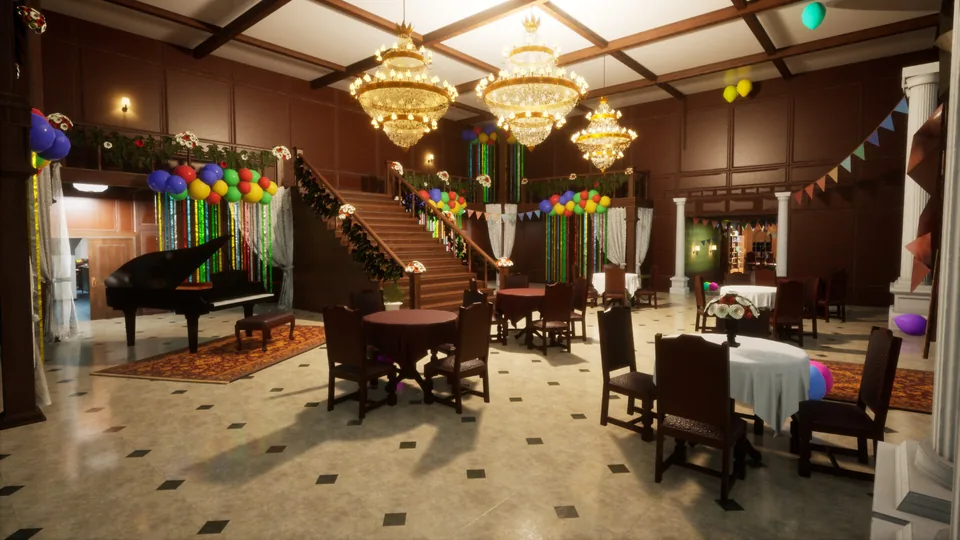
Learn an unfamiliar map in layers: name stable zones and connectors first, record important sightlines second, and treat individual props as round-specific until their placement is reproduced. This keeps routes useful when maps, random elements, or Workshop revisions change.
By the end, you can
- Create short zone names the whole group can reuse.
- Separate stable geometry from props and randomized clutter.
- Record sightlines that affect both hiding and searching.
- Verify a Workshop source before trusting route notes.
Use this guide when
- A new official map has little reliable room-level documentation.
- The same map appears different between rounds.
- A Workshop guide does not match the host's downloaded layout.
Evidence boundary
What is verified
Official update 2.7.0 confirms per-map random-pool toggles and random elements on Penguin Hotel. The scouting worksheet is editorial guidance.
Watch before the drills
Separate stable routes from round-specific clutter
Use these scenes as a scouting worksheet: name the stable connector first, then record only the props that change the route or sightline.
Community gameplay
Finding the Best Hiding Spots in Meccha Chameleon
Treat this as a route-reading example, not a permanent spot list: observe how players discover sightlines and environmental shapes in motion.
Video by KYRSP33DY- The entrance angle that makes a location work or fail.
- Stable geometry versus props that may change by map or patch.
- How players describe and revisit a location after it is discovered.
Use the first lap as reconnaissance
Do not try to memorize every prop immediately. Build a small, reusable description of the map.
- Name three to five major zones using short labels your group will understand.
- Identify the two connectors that create the most backtracking.
- Note which rooms are visually dense, open, high-contrast, or easy to bypass.
Separate stable geometry from random elements
Patch notes confirm that some official maps can change elements between rounds. Memorize routes and sightlines before relying on a fixed prop layout.
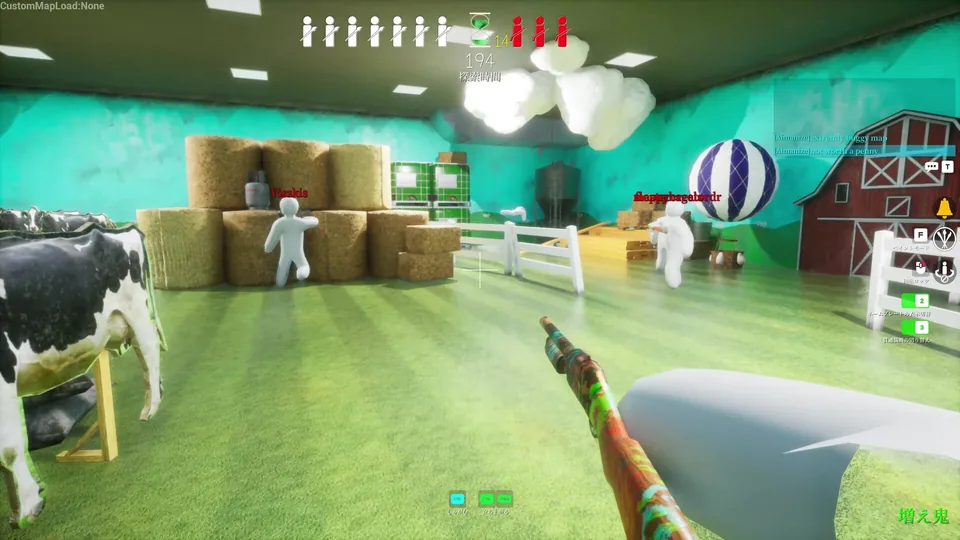
- Remember entrances, stairs, corridors, and room boundaries as the stable layer.
- Treat individual prop positions as a round-specific observation until confirmed otherwise.
- On repeat rounds, compare only the zones where changed scenery affects a hiding or search route.
Verify Workshop maps before relying on a guide
Workshop content can change independently of the base game. A map title alone is not enough to guarantee the same layout.
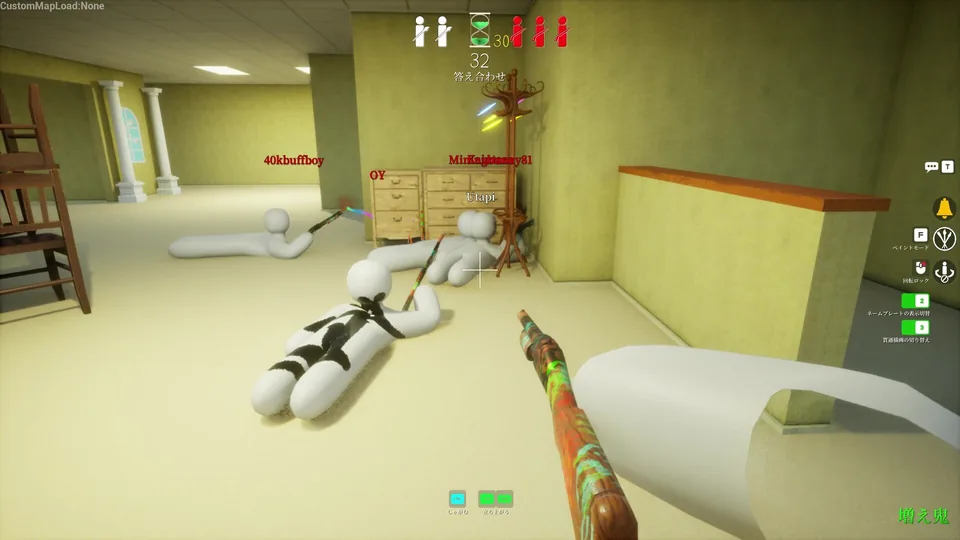
- Confirm the Workshop item and update date used by the host.
- Check whether every player has the same downloaded version before diagnosing route differences.
- Record creator and source URL with any community route notes you publish or share.
Situation → read → action
Make the next decision without guessing
Use the live situation to choose one useful response. These are editorial decision rules, not hidden game mechanics.
Fine prop detail is memorable but does not yet explain navigation.
Name major zones, entrances, stairs, and dead ends before evaluating individual hiding spots.
Color-only callouts are ambiguous and easy to misremember.
Add a connector, height, or dominant landmark to the label: upper hall, lobby stairs, rear storage.
The geometry may still be stable even when clutter is randomized.
Keep the route and re-record only changes that block movement, sightlines, or usable silhouettes.
The source may use an older patch or a different Workshop item.
Verify creator, item URL, revision date, and game version before changing your map notes.
Deliberate practice · 15 minutes
Blind map handoff
Create a route description another player can follow without watching your screen.
Set up the drill
- Choose one unfamiliar official or verified Workshop map.
- Limit the first pass to five zone names and two important connectors.
- Have a teammate listen without adding their own labels until the handoff test.
Record only rooms, entrances, stairs, loops, and dead ends.
Add the first visible surfaces from each important approach.
Compare a second round and mark only route-relevant prop changes.
Review the failure
Diagnose the reason before changing everything
Change one likely cause at a time. That turns a failed round into evidence instead of another guess.
Callouts confuse teammates
- Likely cause
- Too many names, color-only labels, or different labels for the same room.
- Next adjustment
- Reduce the map to three-to-five zones and attach each label to a connector or stable landmark.
You repeatedly backtrack
- Likely cause
- The main loop and dead-end connectors were not separated during reconnaissance.
- Next adjustment
- Draw the route as a loop first, then attach optional rooms and dead ends.
A remembered spot is missing
- Likely cause
- The prop was random, patched, or tied to a different Workshop revision.
- Next adjustment
- Fall back to stable geometry and verify the source before calling the guide outdated.
Map notes become too long to use mid-round
- Likely cause
- Every decorative object was documented with equal priority.
- Next adjustment
- Keep only objects that change navigation, a major sightline, or a reproducible disguise opportunity.
Freshness and attribution
Sources used for this file
Keep the guide accurate
Found an outdated detail?
Send the patch, map, and what changed. The report is stored in our private review queue and receives a reference number after a successful submission.
Form unavailable? Email support@meccha-chameleon.co.