Security status · Checked 2026-08-23
Is Meccha Chameleon safe after the Workshop mod-map issue?
The developer says the known malicious mod-map execution path was patched in v3.1.0 and reinforced in v3.2.0. The base game was not the reported malware source. Keep the game updated, but do not treat every future third-party Workshop upload as guaranteed.
Evidence boundary
What the official notices do—and do not—confirm
Confirmed
v3.1.0 included a security patch for mod maps. v3.2.0 says the earlier issue was resolved and unrelated files such as malware could no longer execute through that path.
Not a permanent guarantee
Workshop items are third-party content that can change. This page cannot certify every future upload, creator account, external link, or file outside Steam.
Choose the matching path
What should you do now?
You only saw old reports
- Update the game through Steam and restart both Steam and the game.
- Confirm you are using the official listing from developer lemorion_1224, Steam app 4704690.
- Review subscribed Workshop items and avoid following external “fix” links from unverified posts.
A mod is broken or keeps redownloading
- Let the first post-Hotfix mod redownload finish; the August 22 notice says all mods redownload once before automatic updating.
- Restart and test an official map to separate a Workshop-item problem from a base-game problem.
- For missing or damaged game files, use Steam’s Verify integrity of game files tool.
You saw a command window, script, or Defender alert
- Stop launching the suspect item and open Windows Security → Protection history.
- Quarantine or remove items when Windows Security recommends it; do not choose “Allow” unless you can independently verify the file.
- If remediation is incomplete or the alert returns, save your work and follow Microsoft’s Defender Offline scan instructions.
Keep the contexts separate
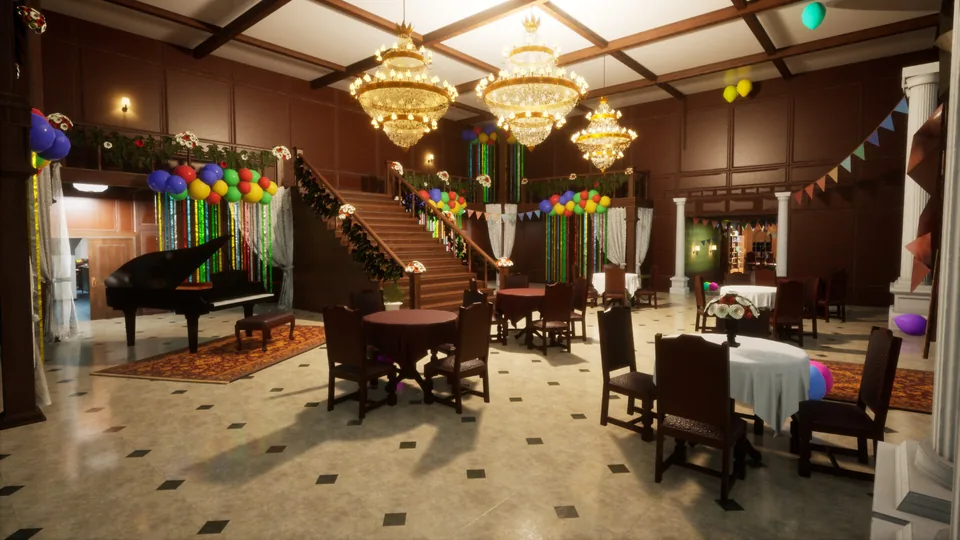
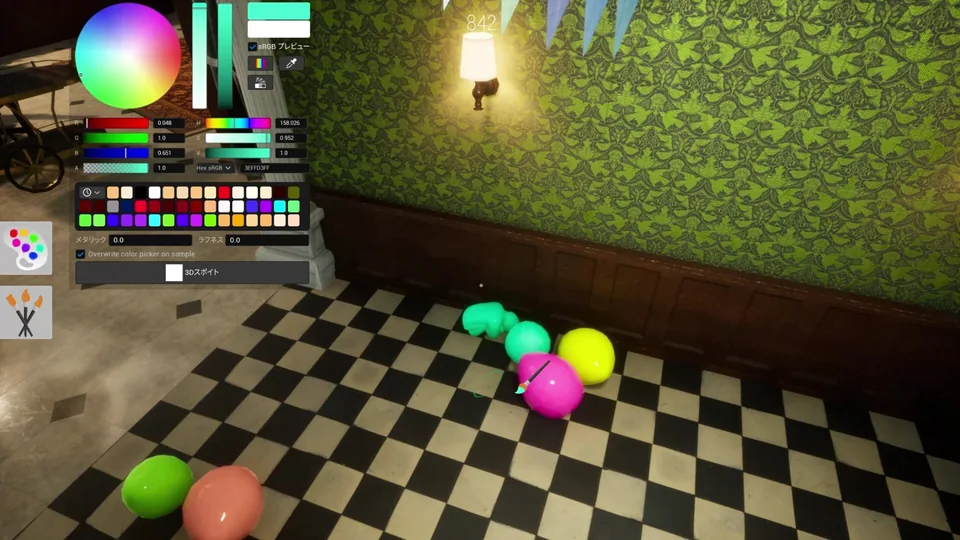
Base game, official maps, and Workshop content
Official timeline
Patch and safety notices
- v3.1.0Security patch for mod maps.
- Safety clarificationDeveloper separates the base game from the Discord and malicious-mod incidents.
- v3.2.0Developer says unrelated-file execution through the known path is no longer possible.
- HotfixMod maps update automatically after a one-time redownload.
Quick answers
Workshop safety FAQ
Does Meccha Chameleon itself contain malware?
The developer's July 25 safety clarification says the base game did not contain a virus or RAT. The known issue involved malicious mod maps, and the developer says the v3.1.0 and v3.2.0 changes closed the unrelated-file execution path.
Is every Workshop map now guaranteed safe?
No static guide can guarantee every future third-party upload. Keep the game updated, review the exact Workshop item and creator, and treat unexpected external downloads, scripts, or security alerts as reasons to stop and investigate.
What if Windows Security detected something?
Open Protection history and follow the action recommended by Windows Security. If remediation is incomplete or the threat returns, Microsoft recommends an Offline scan; save your work because the PC will restart.
Should I reinstall the whole game?
Start by updating and restarting, then use Steam's Verify integrity of game files option for damaged or unexpected game files. Verification is not a substitute for an antivirus scan when Windows Security has reported a threat.
Primary sources
Use the current official instructions
Keep the guide accurate
Found an outdated detail?
Send the patch, map, and what changed. The report is stored in our private review queue and receives a reference number after a successful submission.
Form unavailable? Email support@meccha-chameleon.co.