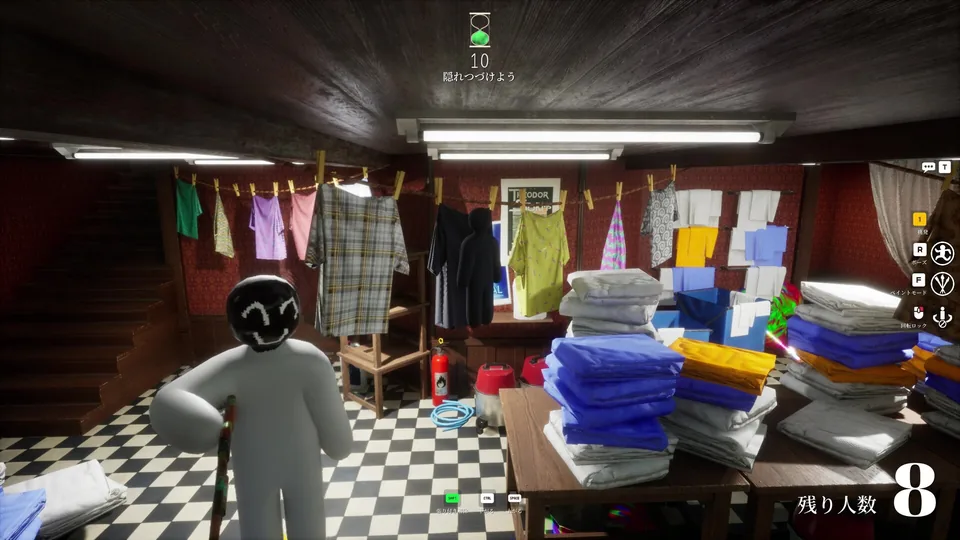
Sales milestone confirmed by owner; not a live counter. See Steam for current data.
Troubleshooting
Server or Room Not Showing?
Use a calm checklist before assuming the game is down: region, version, privacy setting, room timing, and whether the host has already started.
June 25, 2026. Store details should still be confirmed on Steam.
No login, uploads, market, comments, or matchmaking features.
Guide note
Troubleshooting field panel
Most missing-room issues come from mismatched settings or stale room details. Reconfirm the same region, game version, room name, invite path, and host status before restarting everything.
Join friends
Coordinate the exact room details.
02Where to play
Use Steam for store and app checks.
03Contact
Report a site guide correction.
Field routine
Use the guide in rounds
- 1. Confirm the official Steam context and current game state.
- 2. Pick the guide path that matches your current problem.
- 3. Apply the checklist in-game, then adjust based on what you actually see.